Software for libraries that serve JEE aspirants.
JEE preparation mixes coaching classes with long hours of self-study. Libraries that serve these students need seats that fit around class timings and an easy way to see who actually showed up.
30 days free, every feature
Cash and UPI fees in ₹
Android app and web
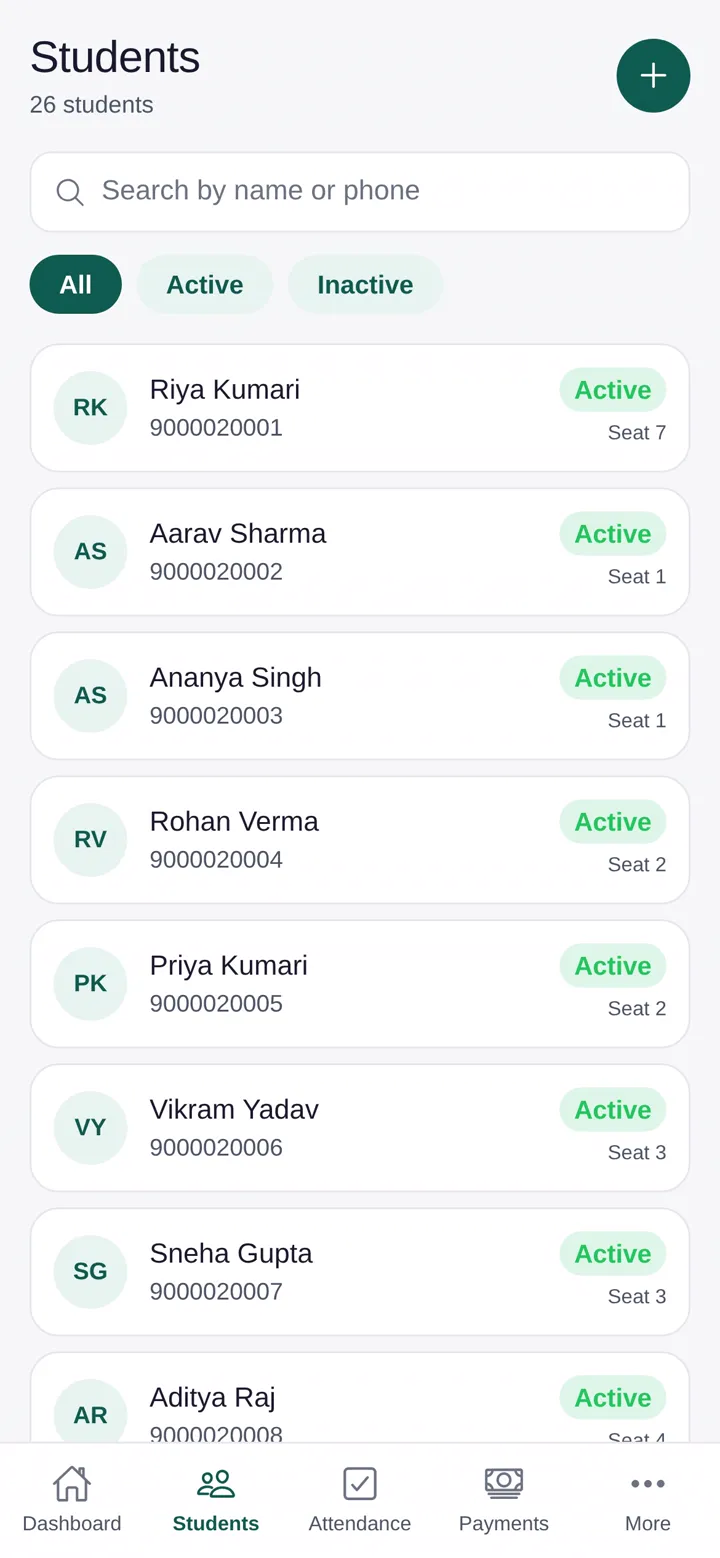
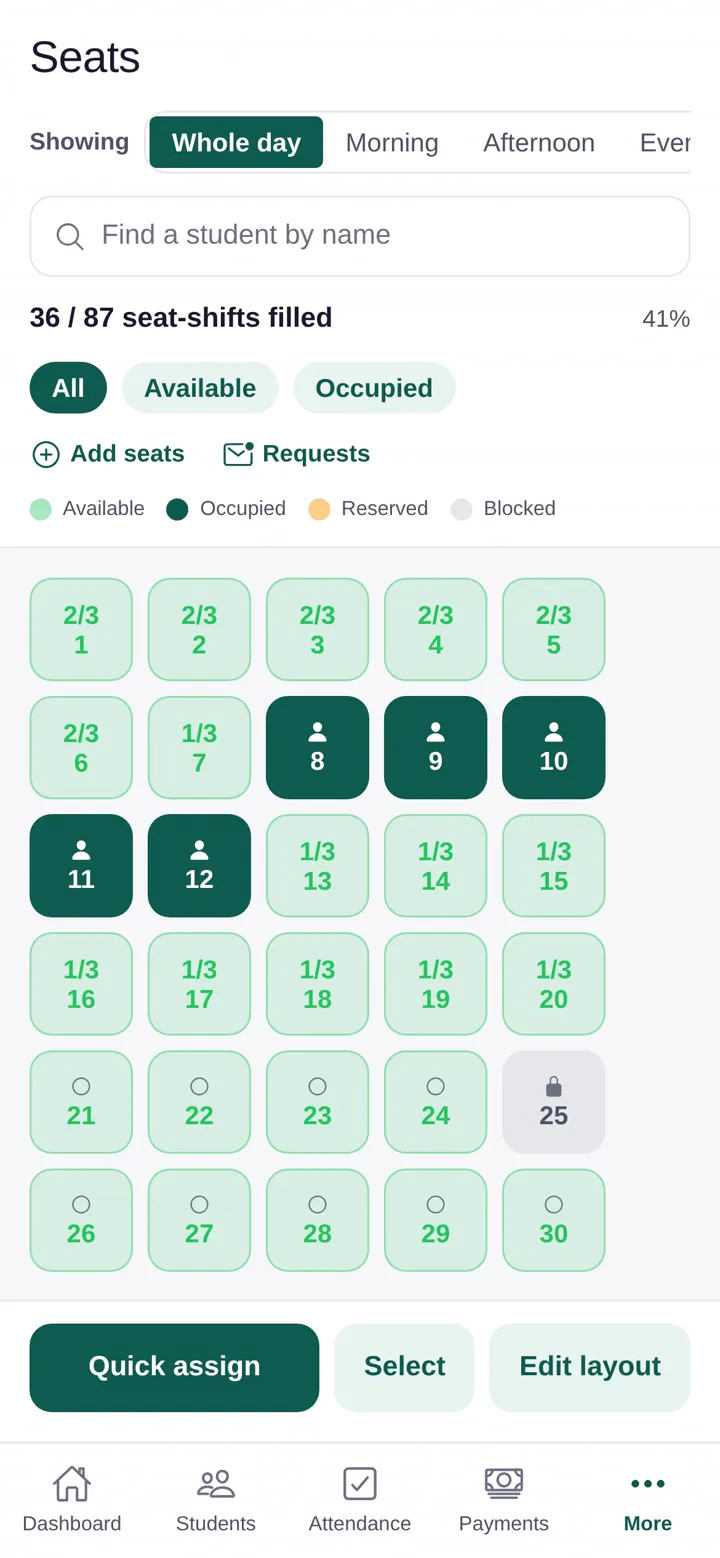
What is different about JEE-focused centres

Self-study around class timings
Students study before, between and after classes. Custom shifts and shared seats let you fit more students without crowding.
Attendance as a habit
A simple check-in by QR or location builds the habit, and students see their own record.
Changing schedules
When a batch timing changes, update the student’s shift and keep their fee history intact.
Peak at test time
Occupancy rises before major tests. Reports by date range show how full you get.
How Studyle fits a JEE-focused centre
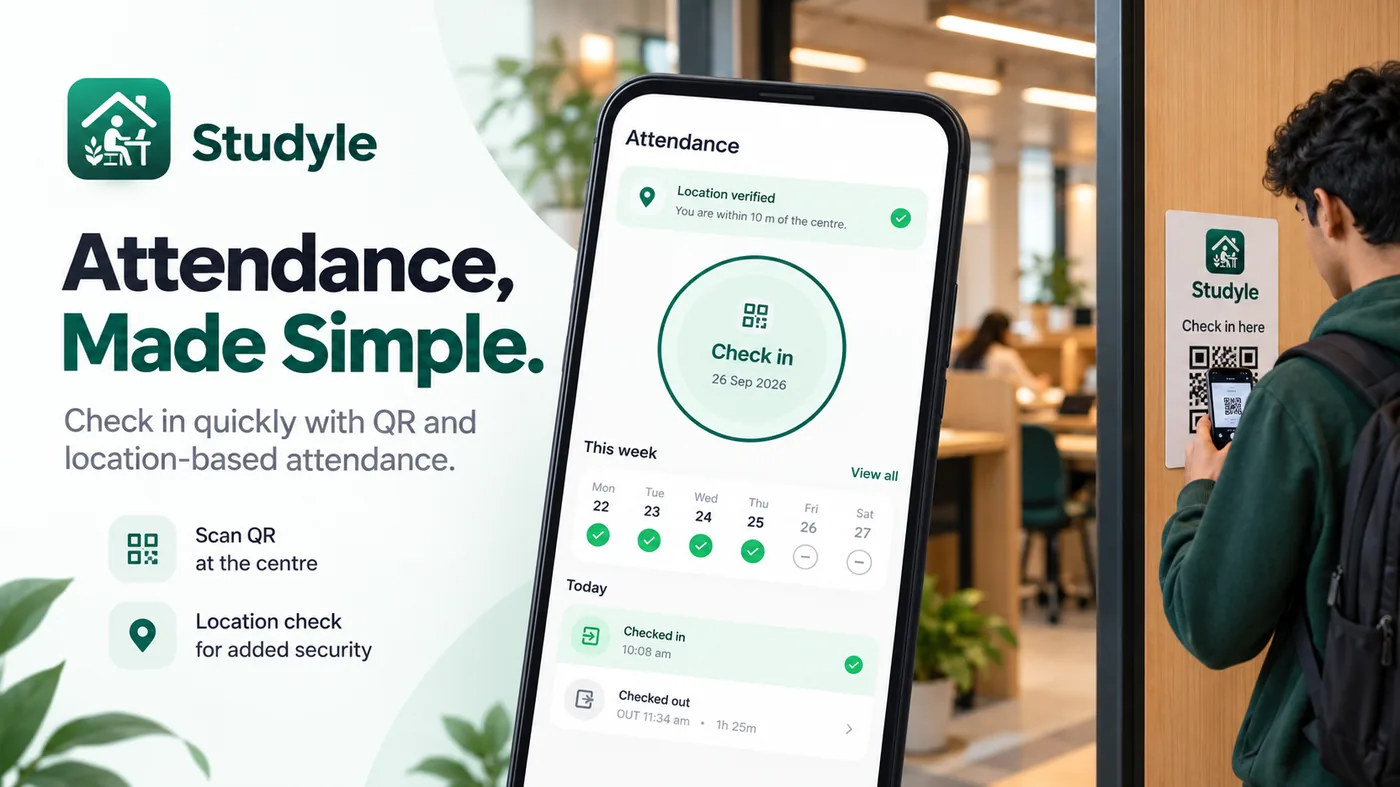
Seats by shift
A live seat map where one seat can be shared across morning, afternoon and evening, with reservations and blocked seats.
Check-in without a register
Students scan the centre QR code or verify their location. You can also mark attendance in bulk.
Fees, dues and receipts
Record cash and UPI, see who owes money, share a reminder from the due record, and give a PDF receipt.
A login for every student
Each student sees their own seat, fees and attendance, and carries a digital ID with a QR code.
Questions answered
Last updated 16 October 2026.
Can I move a student to another shift?
Yes. Change the shift or seat and the fee history stays with the student.
Does Studyle work in Kota?
Yes. It works in any city in India. See the Kota page for how libraries there typically run.
What do I need to start?
An Android phone or a web browser. No hardware.
Try Studyle free for 30 days.
Every feature is free in the trial. Bring your student list in from an Excel or CSV file and see your seats and fees in one place.