Set it up once. Run the whole day from your phone.
Add your seats, shifts and plans, bring in your students, then mark attendance, record payments and follow up on dues. The same simple loop, every day.
Import students from Excel
Students get their own login
Works on Android and web
studyle.in
1
Set up your centre
Demo data
Set up once, then run the same simple workflow every day
1
Create your centre
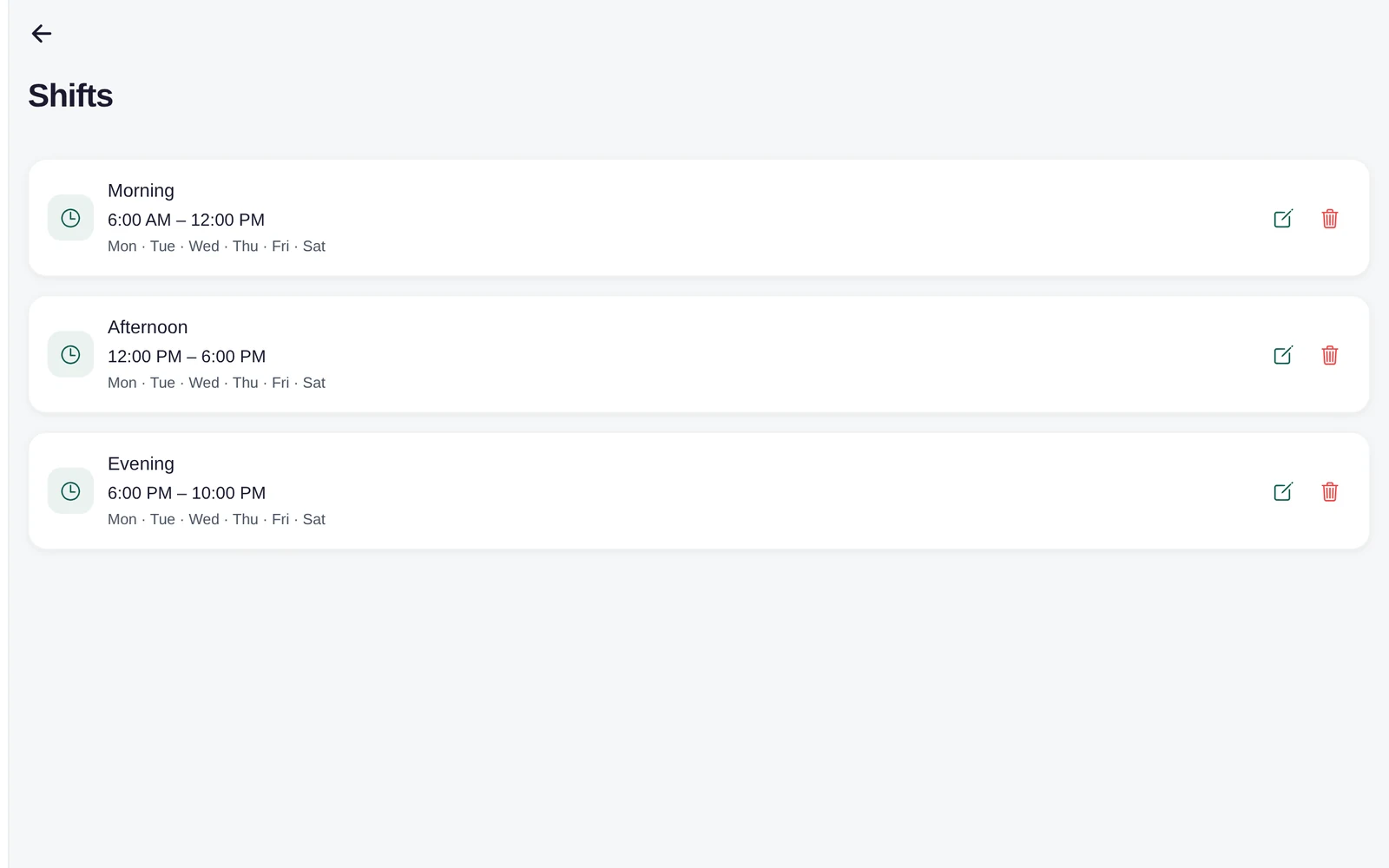
Add your centre's details, seats and shifts. A few basics to start, and you're ready to add students.
Seat management
Morning shift
01
02
03
04
05
06
07
08
09
10
11
12
13
14
15
Available
Occupied
Reserved
Maintenance
2
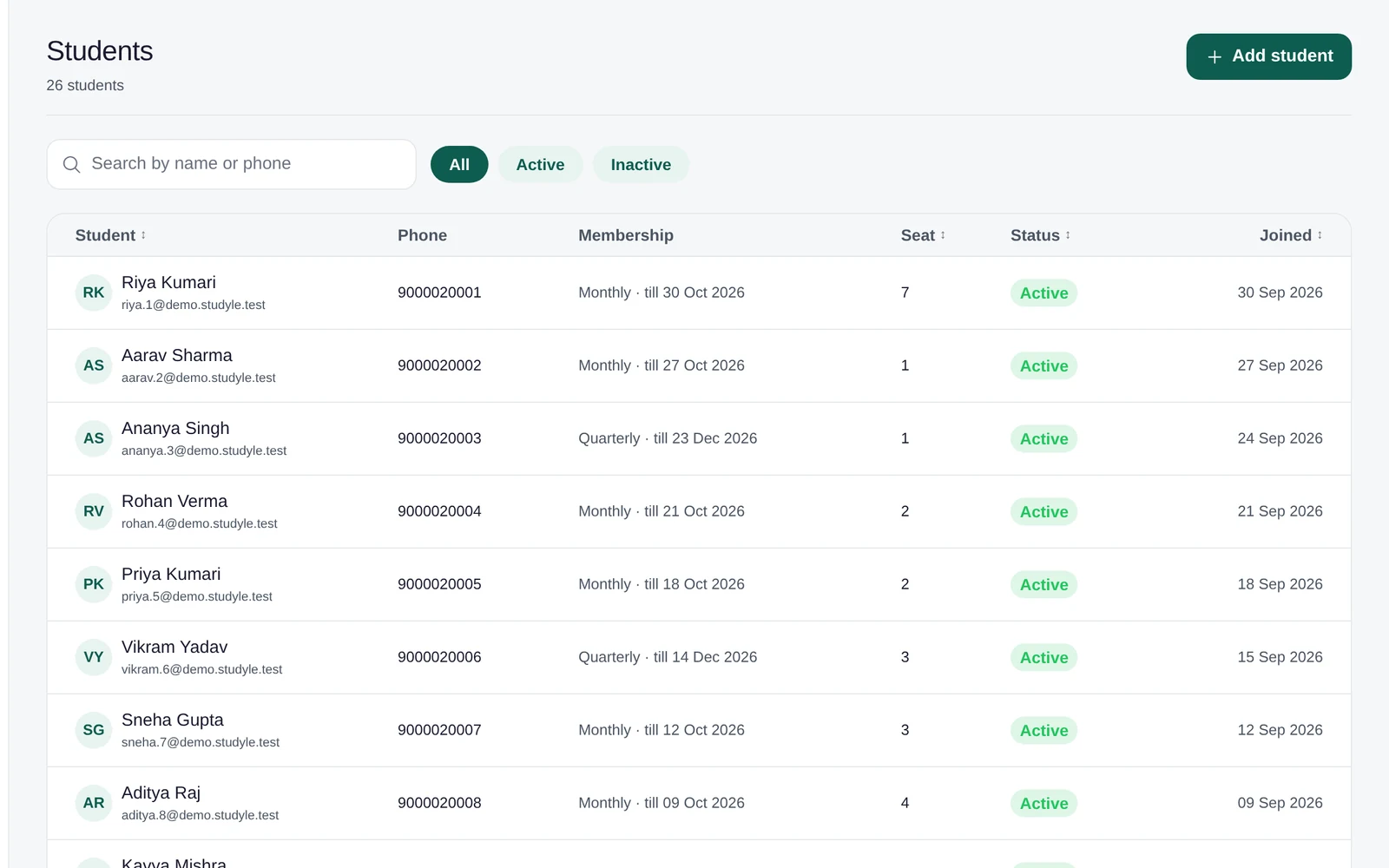
Add students and seats
Create a student record, assign a membership and a seat, and their digital ID is ready — no separate step.
Aarav Sharma
Student profile
Active
Membership
Monthly
Seat
A-12
Payment
Paid
3
Run daily attendance
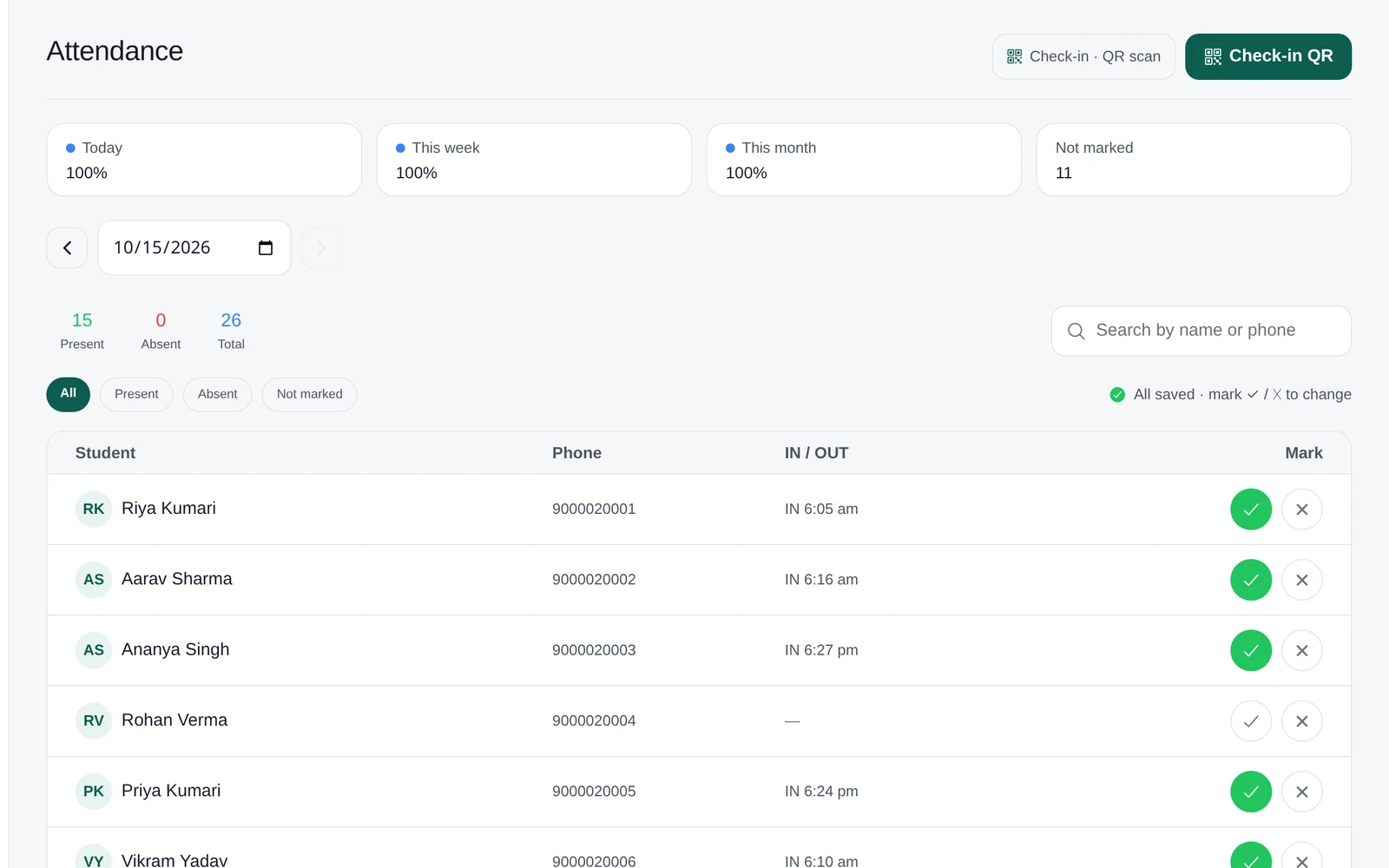
Mark attendance by shift and date, or let students check themselves in with geofence or QR.
Attendance
Today's register
M
✓
T
✓
W
✓
T
−
F
✓
S
✓
S
−
Mark attendance by shift and date
Review low-attendance students before their membership is due.
4
Manage payments
Record payments as they come in, track dues, and generate a receipt from the same screen.
Payments and dues
September collection
Received
₹ 18,500
Due
₹ 2,400
Kavya Verma
₹ 1,200
Due
Aarav Sharma
₹ 1,500
Paid
5
Track expenses
Log the centre's own running costs separately from what students pay, with a clear monthly total.
Centre expenses
This month
Rent
₹ 12,000
Electricity
₹ 2,400
Staff
₹ 8,000
Internet
₹ 1,200
Total expenses
₹ 23,600
6
Understand your centre
Reports bring together collections, attendance and occupancy, so you can see how the centre is actually doing.
Reports
Collections this week
Attendance
91%
Occupancy
78%
A workflow that follows your actual day
Studyle doesn't add a new routine — it organises the one your centre already runs.
Morning
Check attendance
Mark or review the shift's attendance as students arrive.
During the day
Monitor seats
Keep the seat layout current and act on any seat requests.
Payments
Record collections
Log payments as they come in and see who still has dues.
Issues
Handle support requests
Respond to issues students have raised from their account.
End of day
Review activity
Check the day's attendance, collections and requests before closing.
Built for the way study spaces actually work
Whether you call it a library, self-study library or reading room, Studyle manages the same core operations underneath: students, seats, memberships and attendance.
Libraries
A full library of students on monthly or long-term memberships, with assigned seats, shifts and daily attendance.
Self-study libraries
Seat-based memberships for students who come in to study independently, with clear seat and shift management.
Reading rooms
Reading-room seat allocation, membership validity and daily attendance, organised from one account.
Web and Android
Owners run the desk, students carry the app
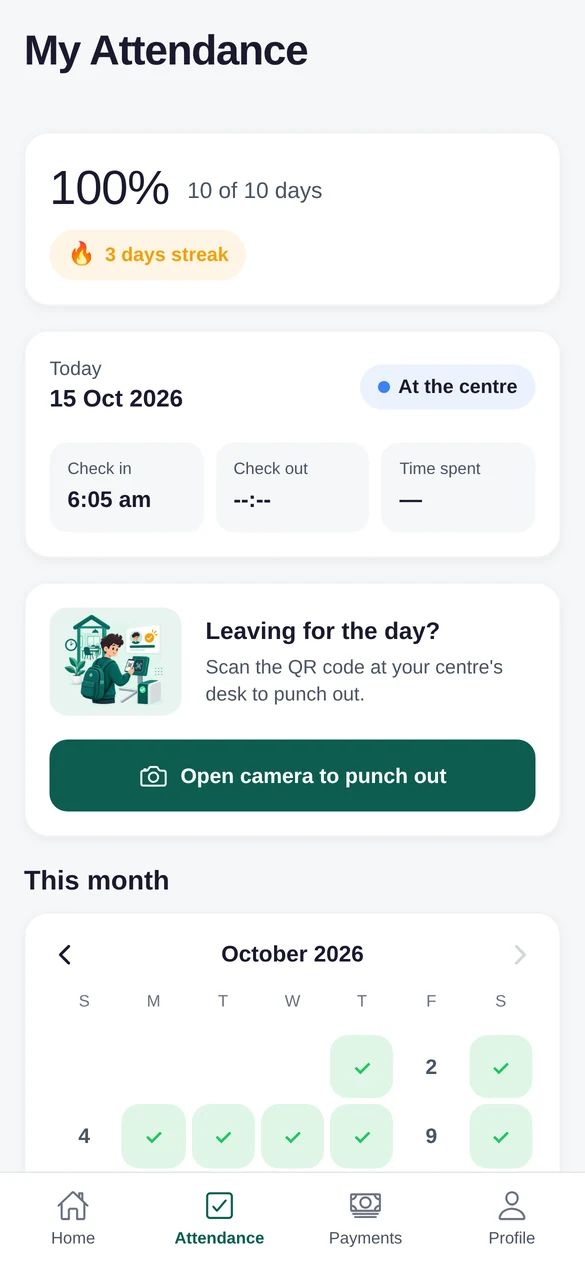
Owners get a full workspace on the web for the day-to-day admin, and students use the Android app for their attendance, seat, digital ID and receipts — the same account, on whichever platform fits the moment.
Web workspace for owner operations
Android app for owners and students
studyle.in
Owner workspace
Present
42
Seats free
8
Aarav Sharma
Seat A-12
Start running your centre with Studyle
30 days free, every feature included — set it up and see the workflow with your own centre.