Free library fee receipt format (printable PDF).
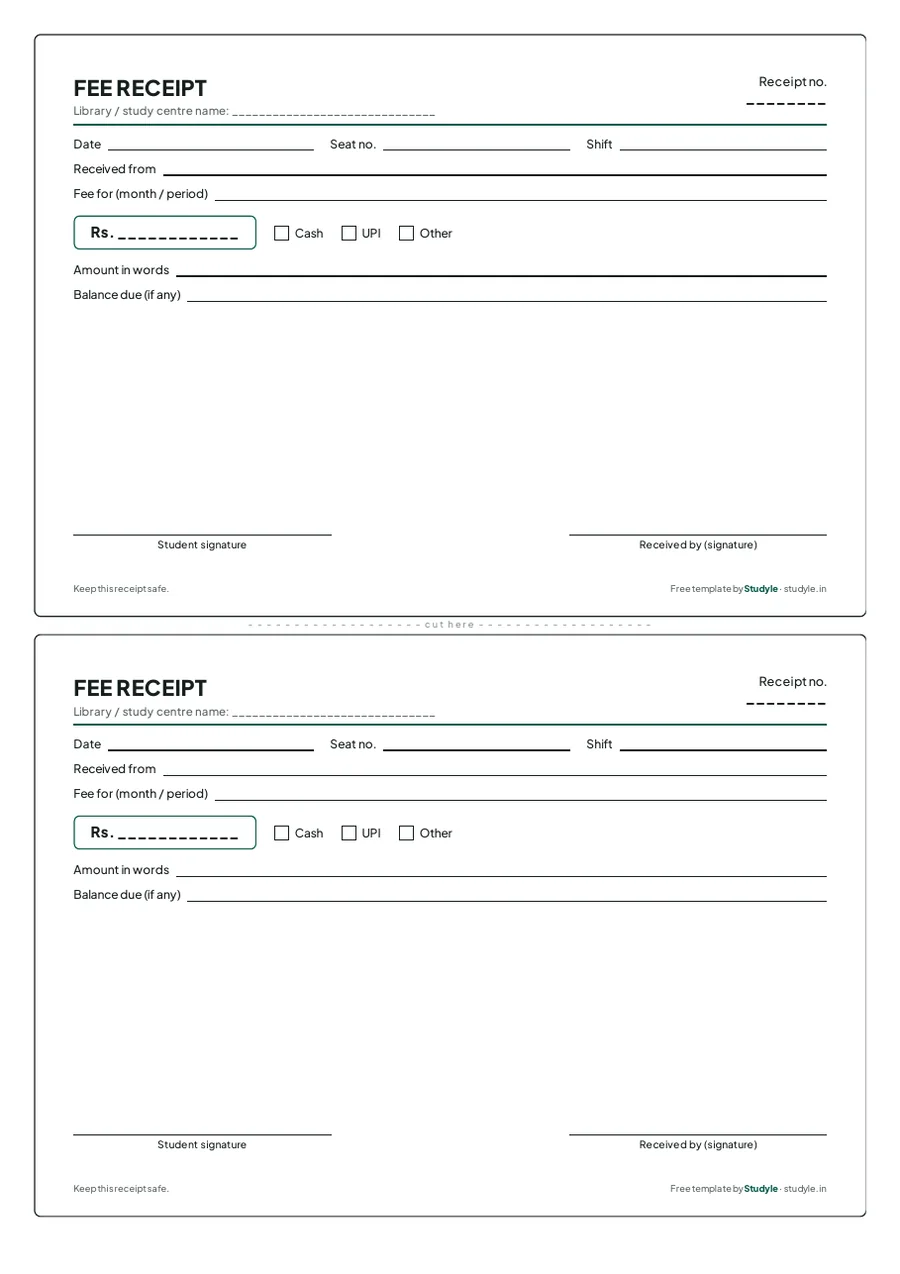
A fee receipt for a library, two to a page: receipt number, student, seat, shift, period, amount, cash or UPI, and signatures. Download it and print.
Free, no sign-up
A4 PDF, two per page
Cash or UPI
What goes on a fee receipt
Enough detail that a student and you can both tell later what was paid.

Receipt number and date
A running number and the date of payment, so every receipt can be found again.
Student, seat and shift
The student’s name, seat number and shift, so the payment is tied to the right membership.
Period and amount
The month or period the fee covers, the amount in rupees and in words, and whether it was cash or UPI.
Balance and signatures
Any balance still due, and a signature from the student and from the person who received the money.
Receipts without the paper
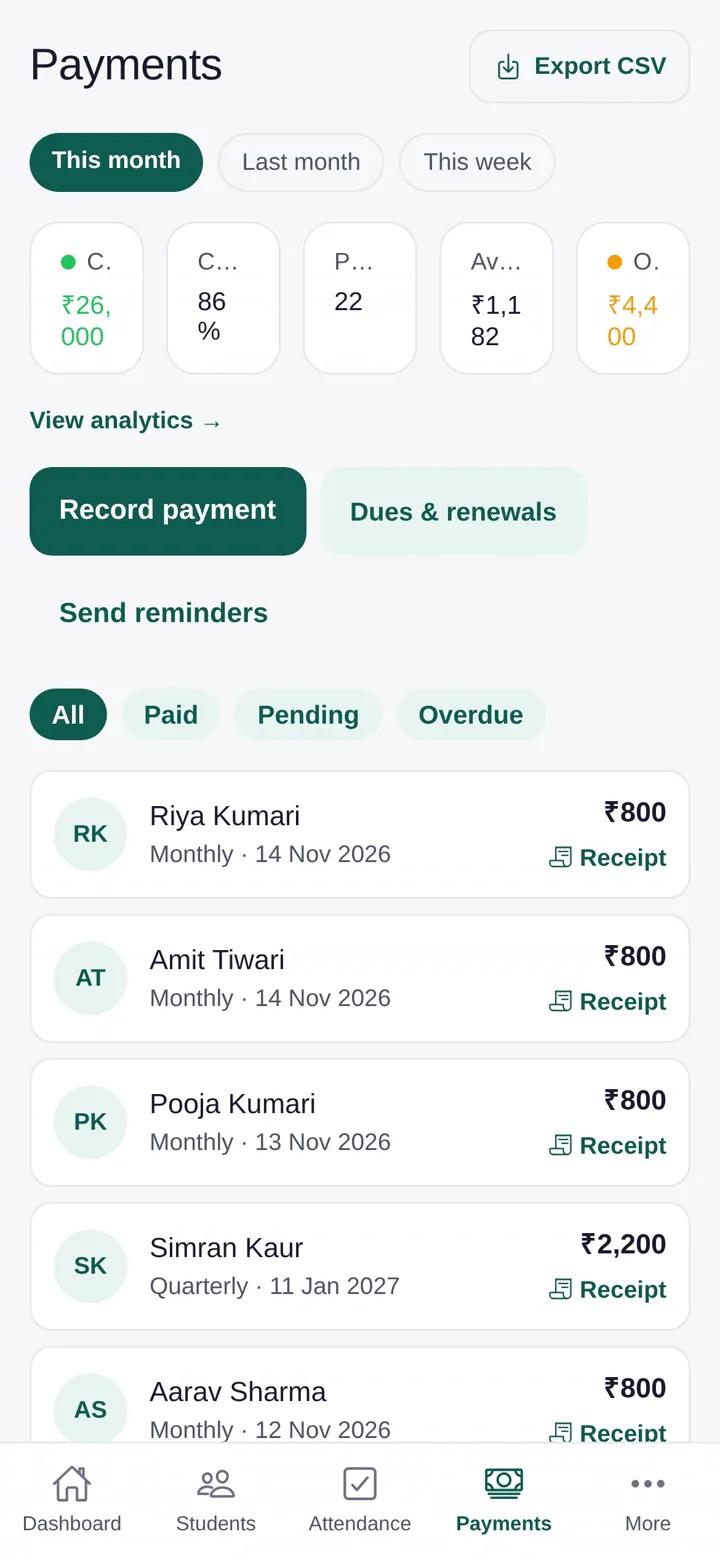
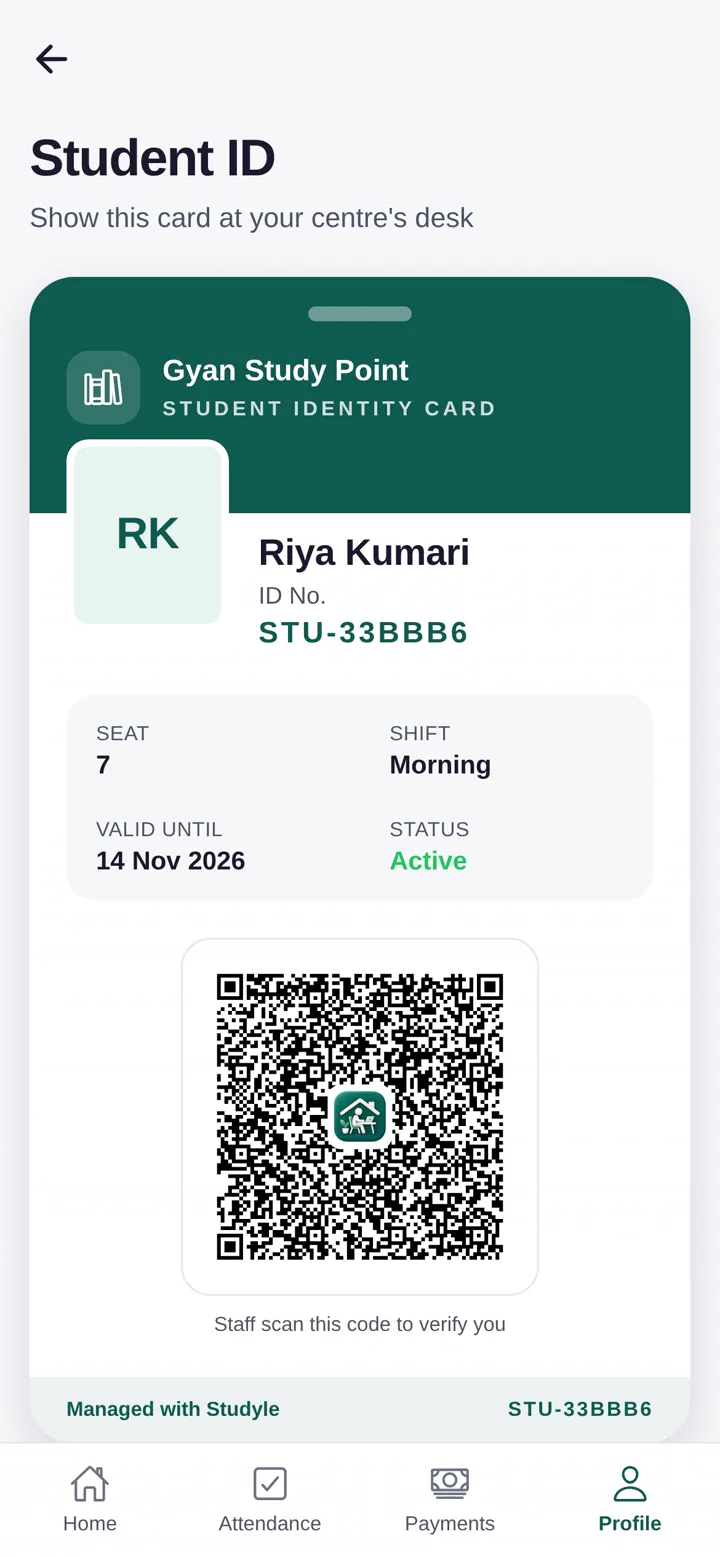
Studyle records the payment and gives the student a receipt automatically.
PDF receipts in one tap
Record a cash or UPI payment and share a PDF receipt straight away.
A dues list
See who has not paid and for which month, and share a reminder from the due record.
Payment history for every student
Every payment is kept against the student, so nothing is lost with a receipt book.
Free to try for 30 days
Every feature is free during the trial.
Questions answered
Last updated 16 October 2026.
Is this fee receipt free?
Yes. It is a free PDF. Download it, print as many copies as you need and use it in your library.
How many receipts are on one page?
Two, on an A4 page, with a line between them to cut along. Keep one for the student and one in your book.
Is it a tax invoice?
No. It is a simple payment receipt for your own records and your students.
Can Studyle give receipts automatically?
Yes. Studyle records each payment and can share a PDF receipt for it.
Try Studyle free for 30 days.
Every feature is free in the trial. Bring your student list in from an Excel or CSV file and see your seats and fees in one place.