Free library attendance register format (printable PDF).
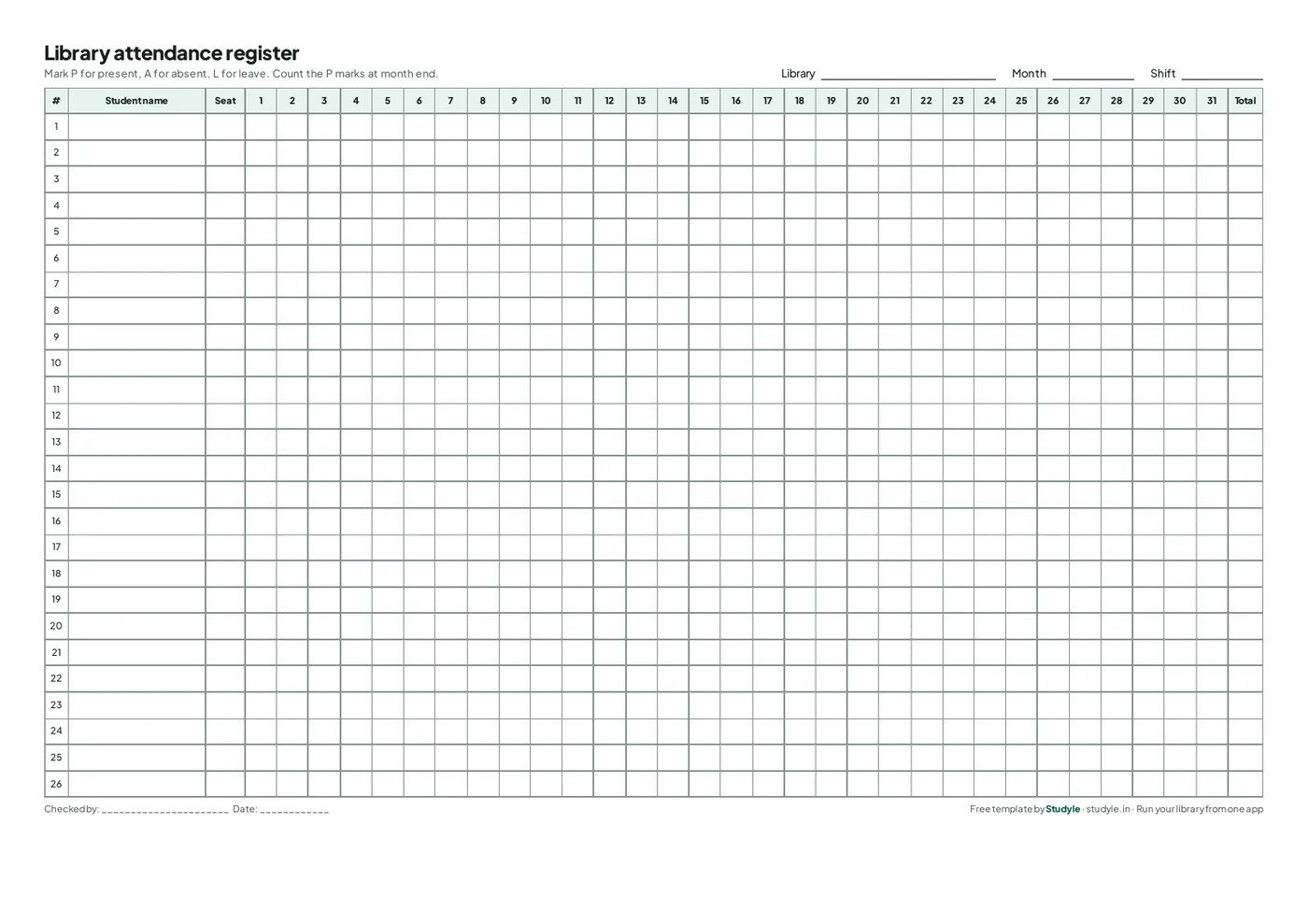
A one-page monthly register for a library or reading room: student name, seat, 31 days and a total. Download it, print it and use it today.
Free, no sign-up
A4 landscape PDF
26 students, 31 days
How to use the register
Four steps, and it takes a minute to set up each month.

Fill the header
Write the library name, the month and the shift (morning, afternoon or evening) at the top. Use one sheet per shift.
One row per student
Write each student’s name and seat number once, at the start of the month.
Mark every day
Write P for present, A for absent and L for leave in the day’s column. Mark at the door so nobody is missed.
Total at month end
Count the P marks in each row and write the number in the Total column. Use it when you review fees and renewals.
Ready to stop counting by hand?
Studyle takes attendance for you and keeps the monthly totals.
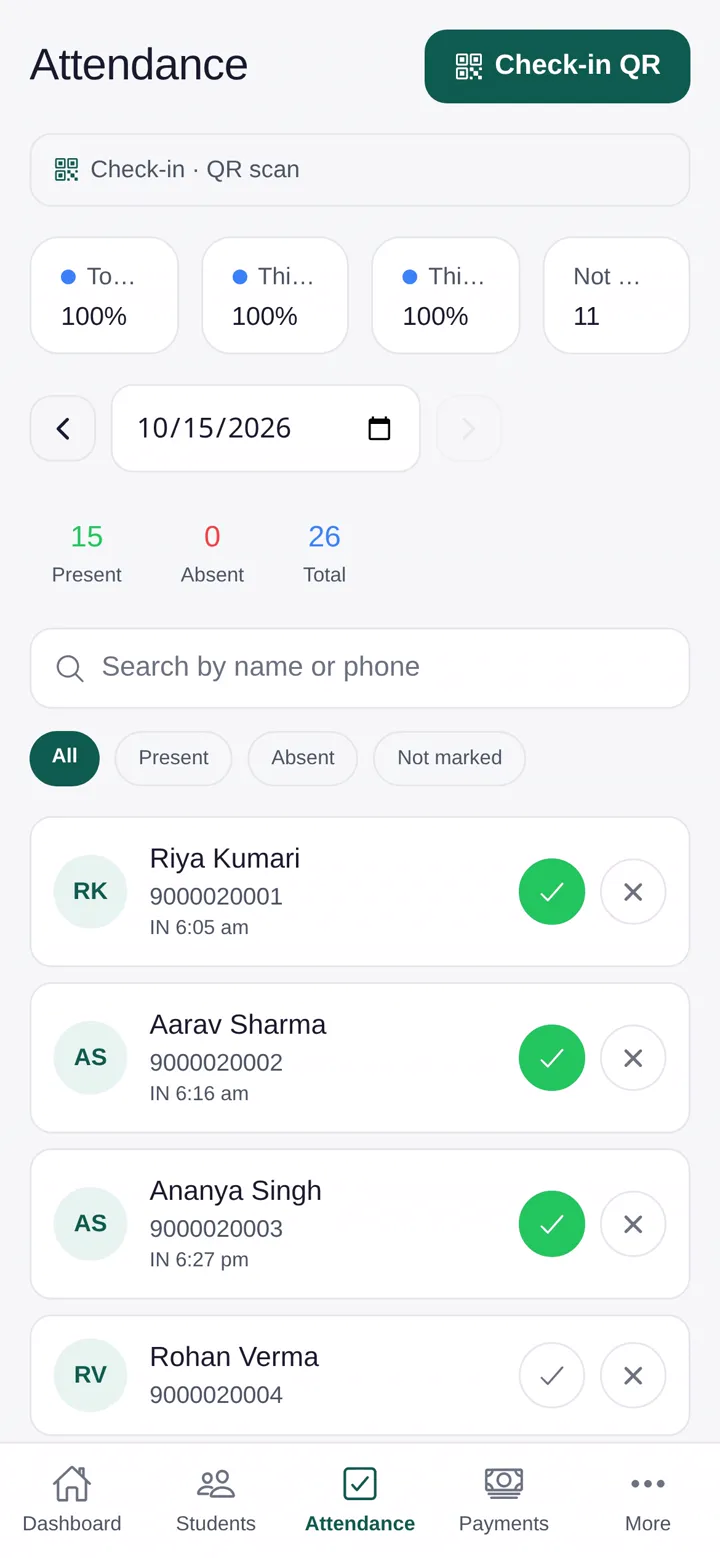
Students check themselves in
They scan the centre QR code or verify their location on their own phone. No names to tick.
Totals without counting
Daily and monthly attendance for every student, ready when you need it.
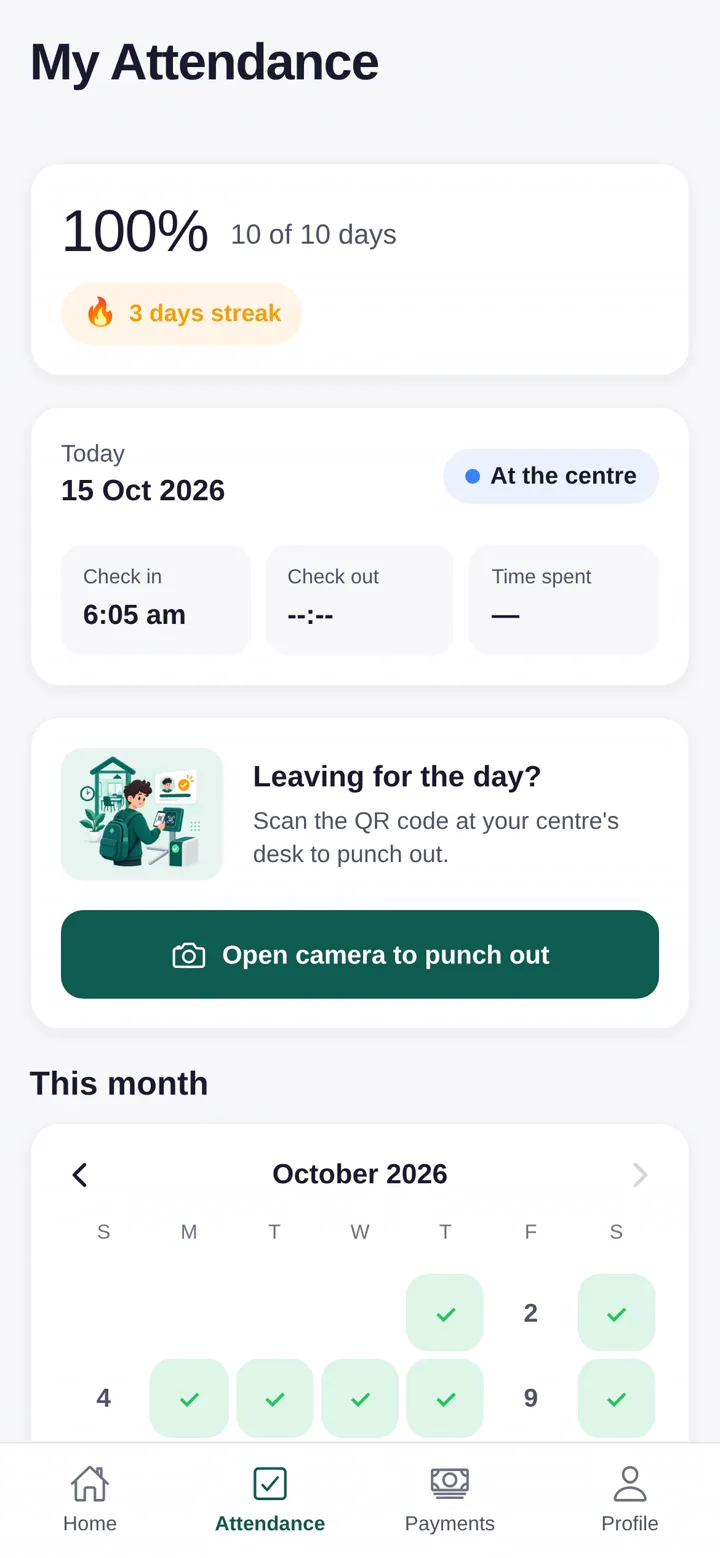
Students see their own record
Each student has a login showing their attendance, seat and fees.
Free to try for 30 days
Every feature is free during the trial.
Questions answered
Last updated 16 October 2026.
Is this attendance register free?
Yes. It is a free PDF. Download it, print as many copies as you need and use it in your library.
What size and layout is it?
A4 landscape, one page per month: 26 student rows, a column for each day from 1 to 31, a seat column and a total column.
What if I have more than 26 students?
Print another sheet for the next 26 students. Many centres use one sheet per shift or per group.
Can I edit the PDF on my computer?
It is made for printing and filling in by hand. To keep attendance on your phone instead, use Studyle, where students check in by QR code or location check.
Try Studyle free for 30 days.
Every feature is free in the trial. Bring your student list in from an Excel or CSV file and see your seats and fees in one place.